Panels and circuits
Panel Schedule
Energy Flow › Panel Schedule. One directory per panel: odd slots down the left, even down the right. Each breaker shows live power or current, wire, rating, gauge and what it feeds.
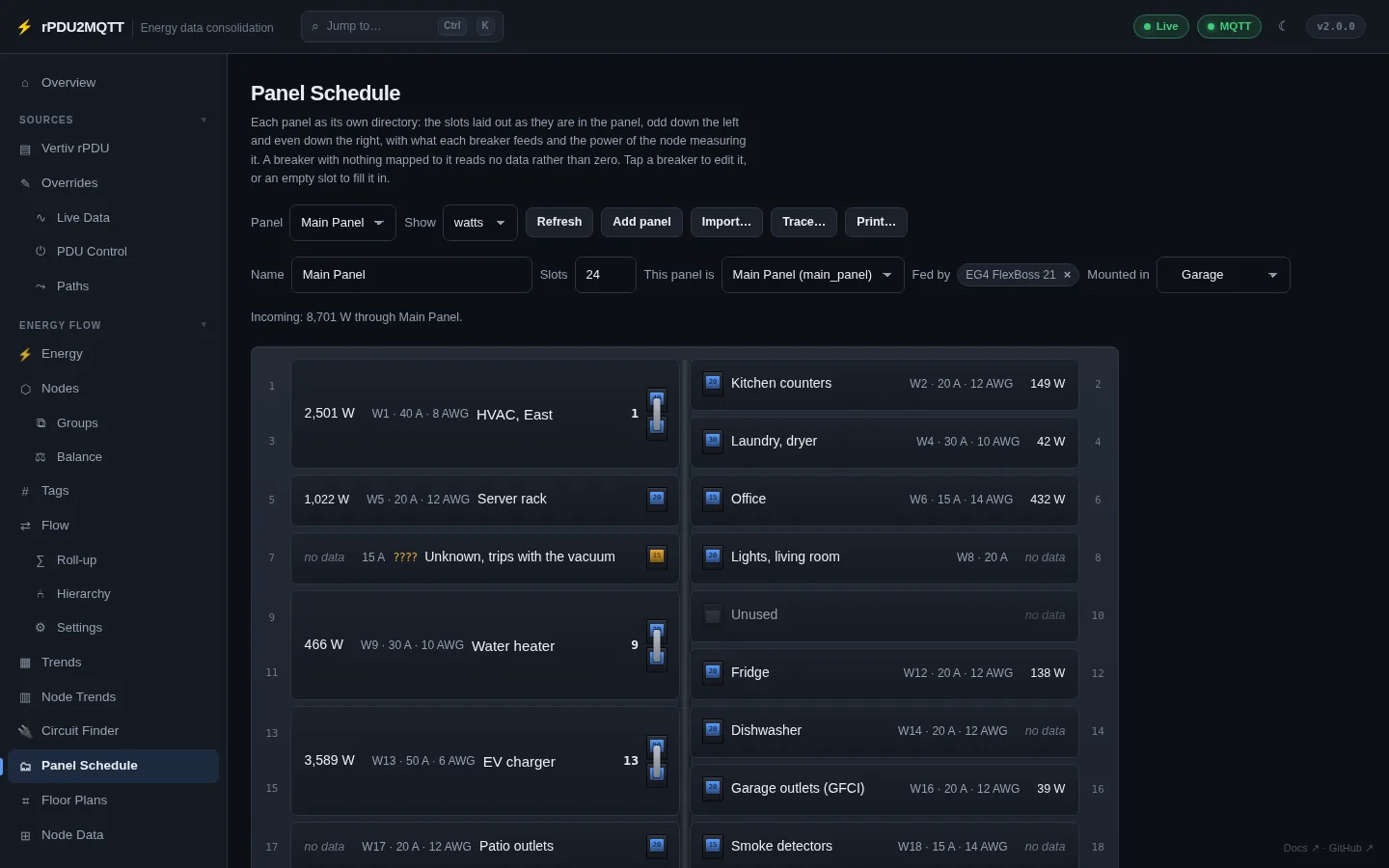
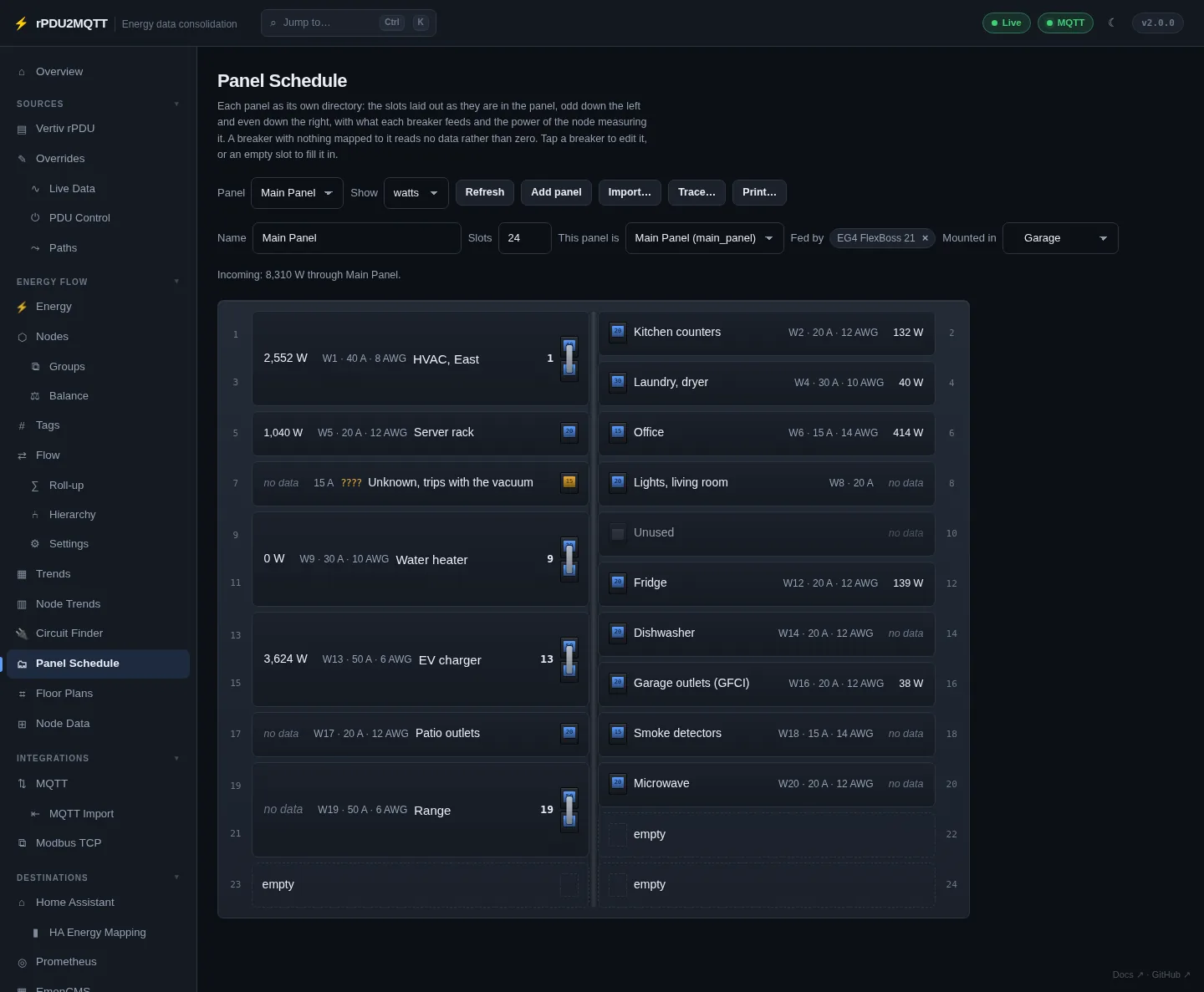
| Control | |
|---|---|
| Panel | Pick the panel |
| Show | watts or amps |
| Add panel | New panel |
| Import… | Paste a paper directory |
| Trace… | Identify an unknown breaker |
| Print… | Printable schedule for the panel door (fits one Letter or A4 page at 42 slots) |
| Name, Slots, This panel is, Fed by, Mounted in | Panel settings |
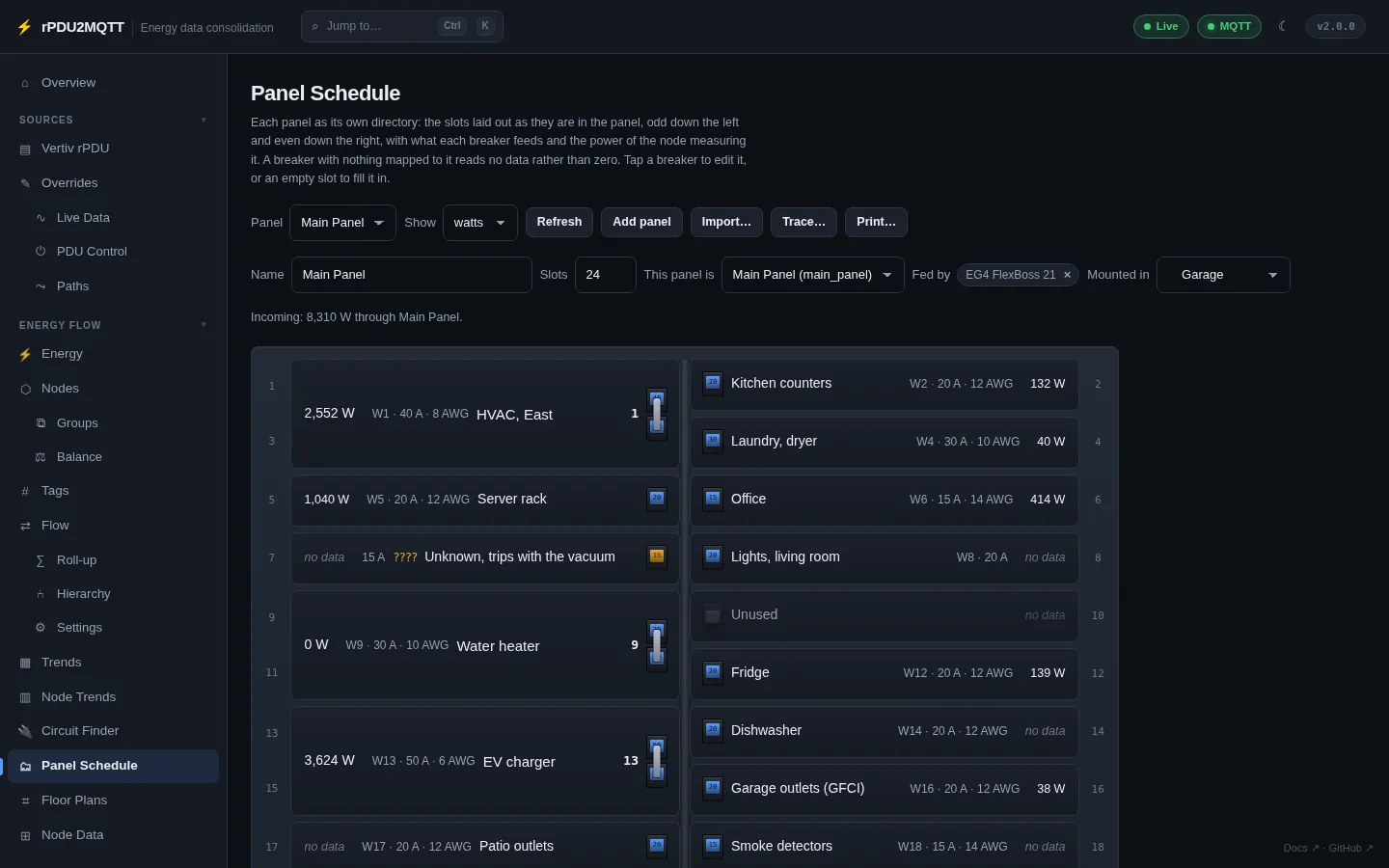
Breakers
Click a breaker, or an empty slot, to edit it.
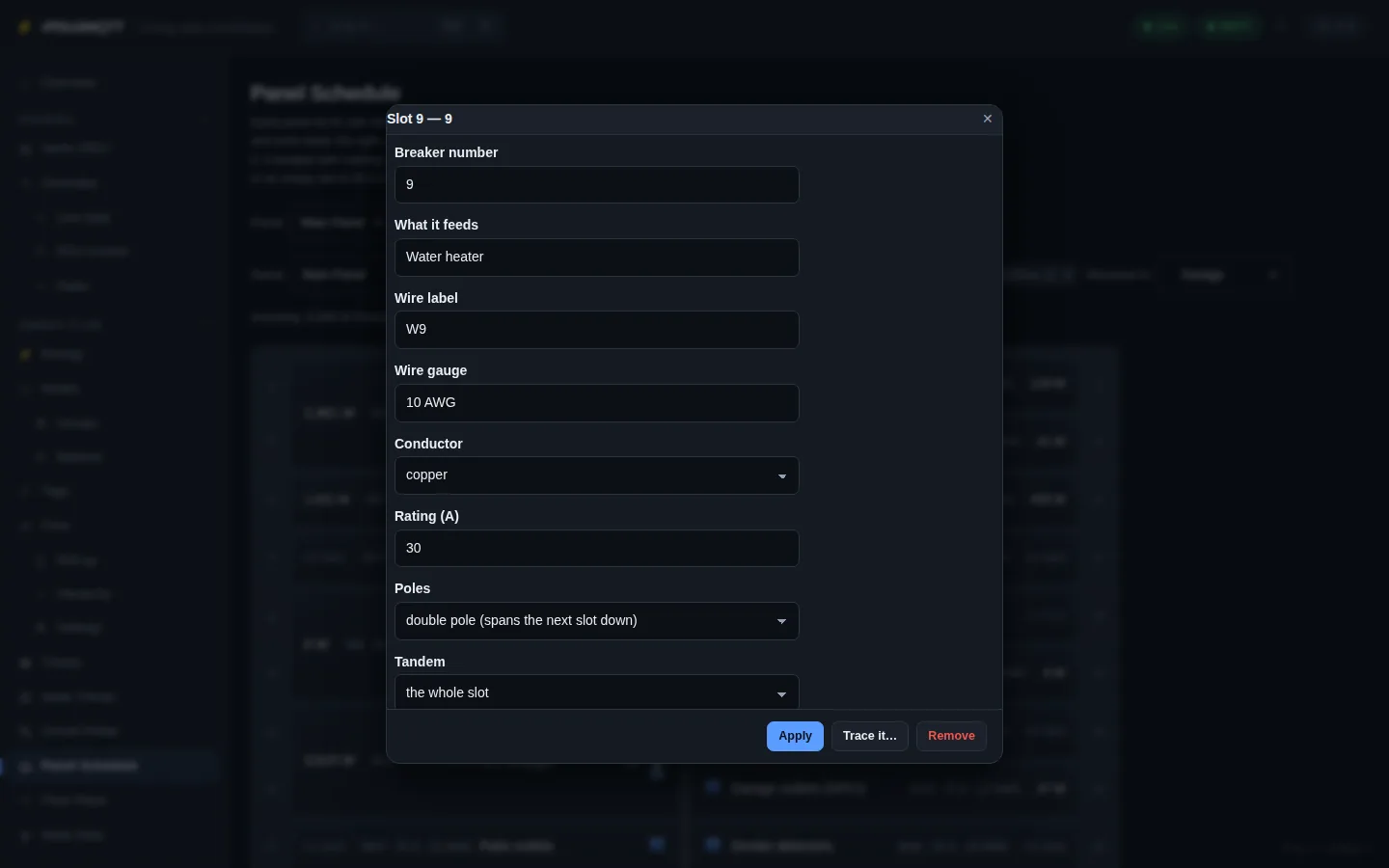
| Field | Setting |
|---|---|
| Breaker number | Number (tandem half: 26.1) |
| What it feeds | Description |
| Wire label | Wire |
| Wire gauge | Gauge |
| Conductor | Conductor: copper, aluminium |
| Rating (A) | Amps |
| Poles | Poles: 1 or 2. Double-pole takes the next slot in the column. |
| Tandem | Half: whole slot, upper or lower |
| State | State: identified, unknown, unused |
| Channel (per leg) | Writes a clamp: Clamps[].Channel |
| One CT measures the whole circuit | Clamps[].Whole (double-pole) |
| Serves | Rooms |
| Placed on it | Floor-plan items on this circuit |
Trace it… opens Trace for that breaker.
Breakers in the energy flow
| Breaker | Node |
|---|---|
| Measured by one channel | That channel's node, renamed to the breaker's description if it has a generic name |
| Measured by two channels (clamp per leg) | breaker:<panel>:<number>, the sum of both legs. Unknown if a leg is missing. |
Node set |
That node |
| Identified, not measured | breaker:<panel>:<number>, no data |
| Unused | None |
Breakers reach the Flow diagram, Home Assistant, EmonCMS and Prometheus with no extra wiring. A panel has one feeder.
Checks
Shown on the page and on Diagnostics (panelFindings):
- Channel mapped to more than one breaker
- Channel drawing power with no breaker
- Unused breaker whose channel draws power
- Double-pole breaker with one clamp
- Breaker current above its rating
- Clamp on a breaker's own tier
- Panel with more than one feeder
- Circuit fed from somewhere besides its panel
Import
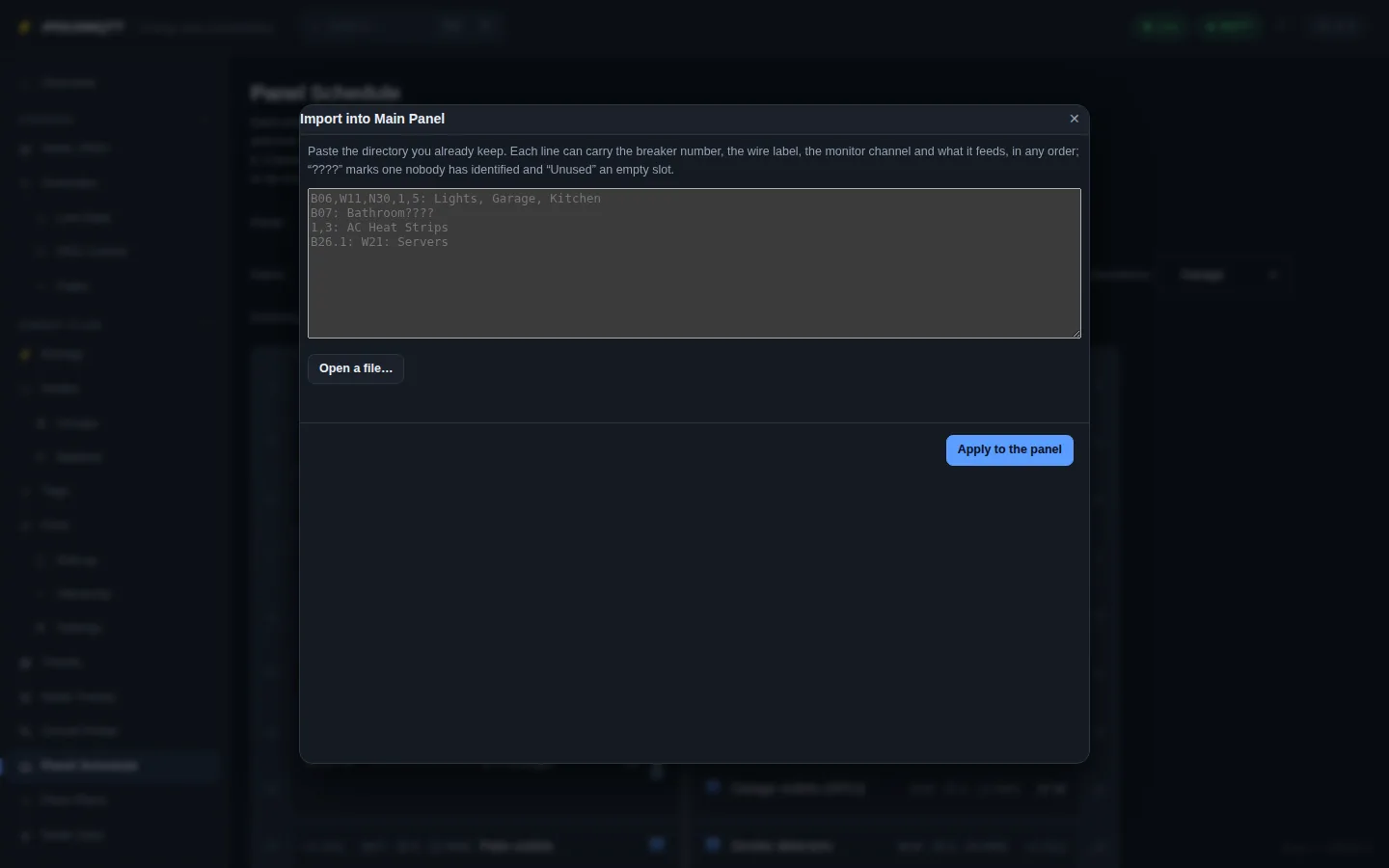
One line per breaker: number, wire label, channel and description in any order. ???? = unknown, Unused = empty slot.
B06,W11,N30,1,5: Lights, Garage, Kitchen
B07: Bathroom????
1,3: AC Heat Strips
B26.1: W21: Servers
Each line shows as new, update or clash before Apply to the panel. Save keeps it.
Trace
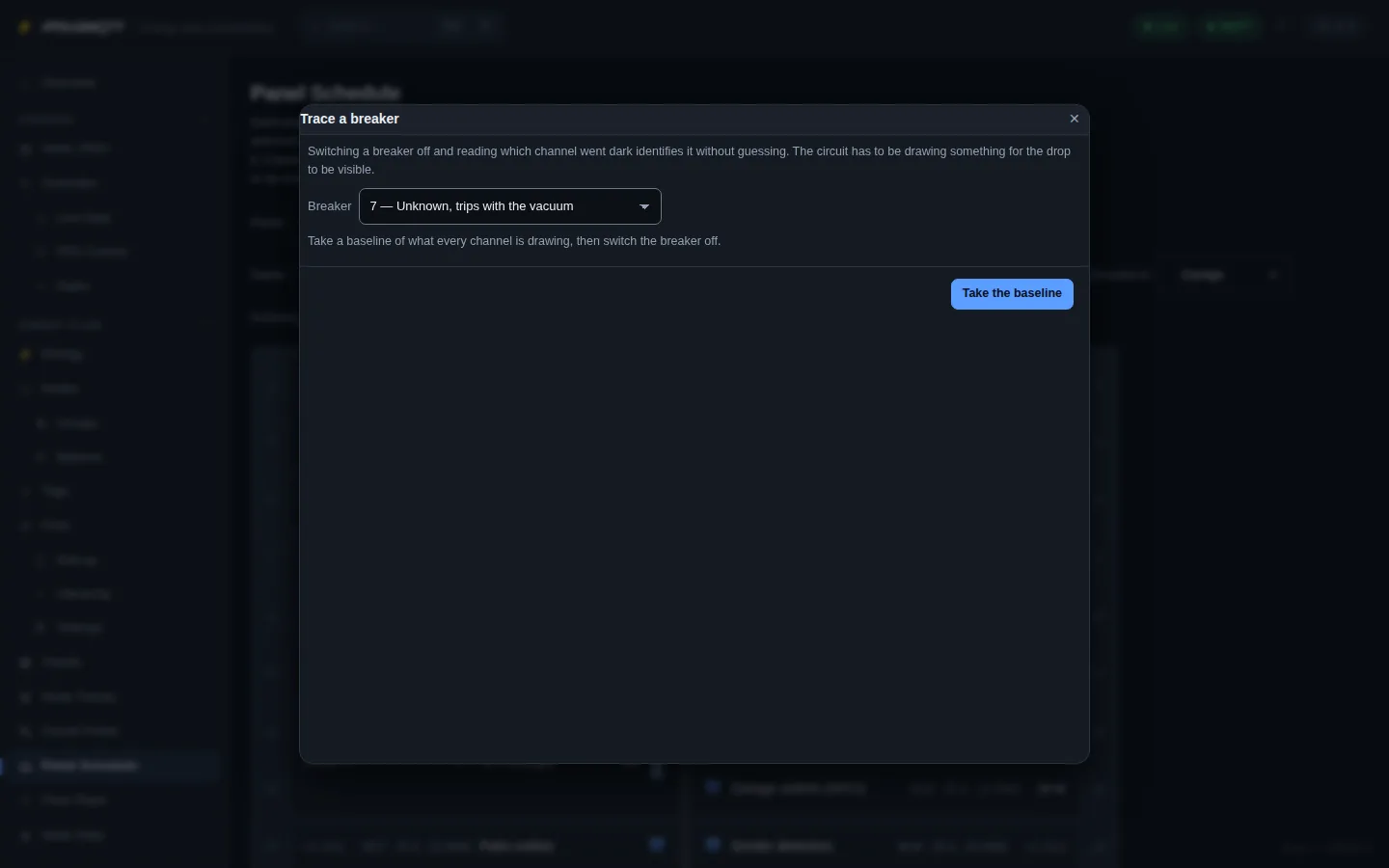
- Pick the breaker. Take the baseline.
- Switch the breaker off.
- The channel that dropped is shown. Take it to map the breaker and mark it identified.
A 240 V breaker drops two legs; both can be taken. The circuit must be drawing power at the baseline.
YAML
EnergyFlow:
  Panels:
    - Id: main
      Name: Main Panel
      Slots: 24
      Node: main_panel
      Location: garage
      Breakers:
        - { Slot: 1, Number: "1", Poles: 2, Amps: 40, Wire: W1, Gauge: 8 AWG, Conductor: copper, Description: "HVAC, East", Rooms: [garage], Node: hvac, State: identified }
        - { Slot: 2, Number: "2", Amps: 20, Wire: W2, Gauge: 12 AWG, Description: Kitchen counters, Rooms: [kitchen], State: identified }
        - { Slot: 7, Number: "7", Amps: 15, State: unknown }
        - { Slot: 10, Number: "10", State: unused }
  Clamps:
    - { Label: CT1, Amps: 50, Panel: main, Breaker: "1", Channel: hvac, Whole: true }
    - { Label: CT2, Amps: 50, Panel: main, Breaker: "2", Channel: kitchen }
| Clamp field | |
|---|---|
Channel |
Node id of the monitor channel |
Leg |
1, or 2 for the second pole |
Whole |
One clamp measures the whole double-pole breaker |
Reversed |
Clamp is on backwards; reading is flipped |
Circuit Finder
Energy Flow › Circuit Finder. Find which channel a load is on by switching the load.
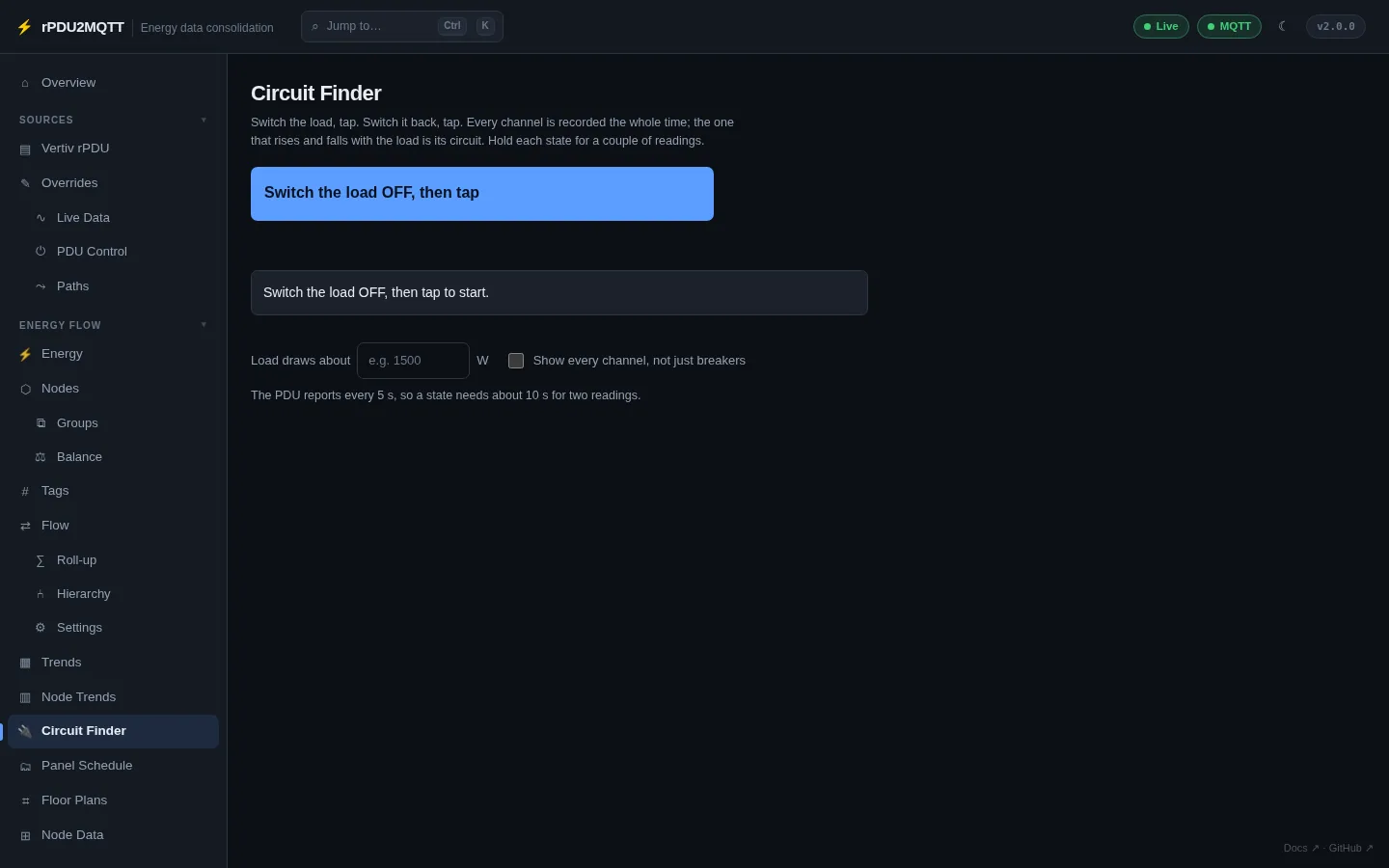
- Switch the load off, tap.
- Switch it on, tap. Repeat.
- The channel that rises and falls with the load is the circuit.
- Load draws about narrows the match.
- Show every channel includes channels not mapped to breakers.
- Hold each state for two readings.