Quick start
1. Minimal config
config.yaml. Feature switches (Gui.Enabled, HomeAssistant.DiscoveryEnabled) are only set in the file.
Mqtt:
  Connection:
    Host: "mqtt.lan"
    Port: 1883

Pdus:
  default:
    Connection:
      Host: "pdu.lan"
      Port: 80

Gui:
  Enabled: true
  Port: 8080
  AuthType: Basic
  Username: admin
  Password: "change-me"

HomeAssistant:
  DiscoveryEnabled: true
2. Run
services:
  rpdu2mqtt:
    image: ghcr.io/xtremeownage/rpdu2mqtt:stable
    restart: unless-stopped
    ports:
      - "8080:8080"
    volumes:
      - ./config.yaml:/config/config.yaml   # writable, so the GUI can save
docker compose up -d
Browse to http://<host>:8080 and sign in.
3. MQTT
Integrations › MQTT. Set credentials and press Test MQTT connection. Save.
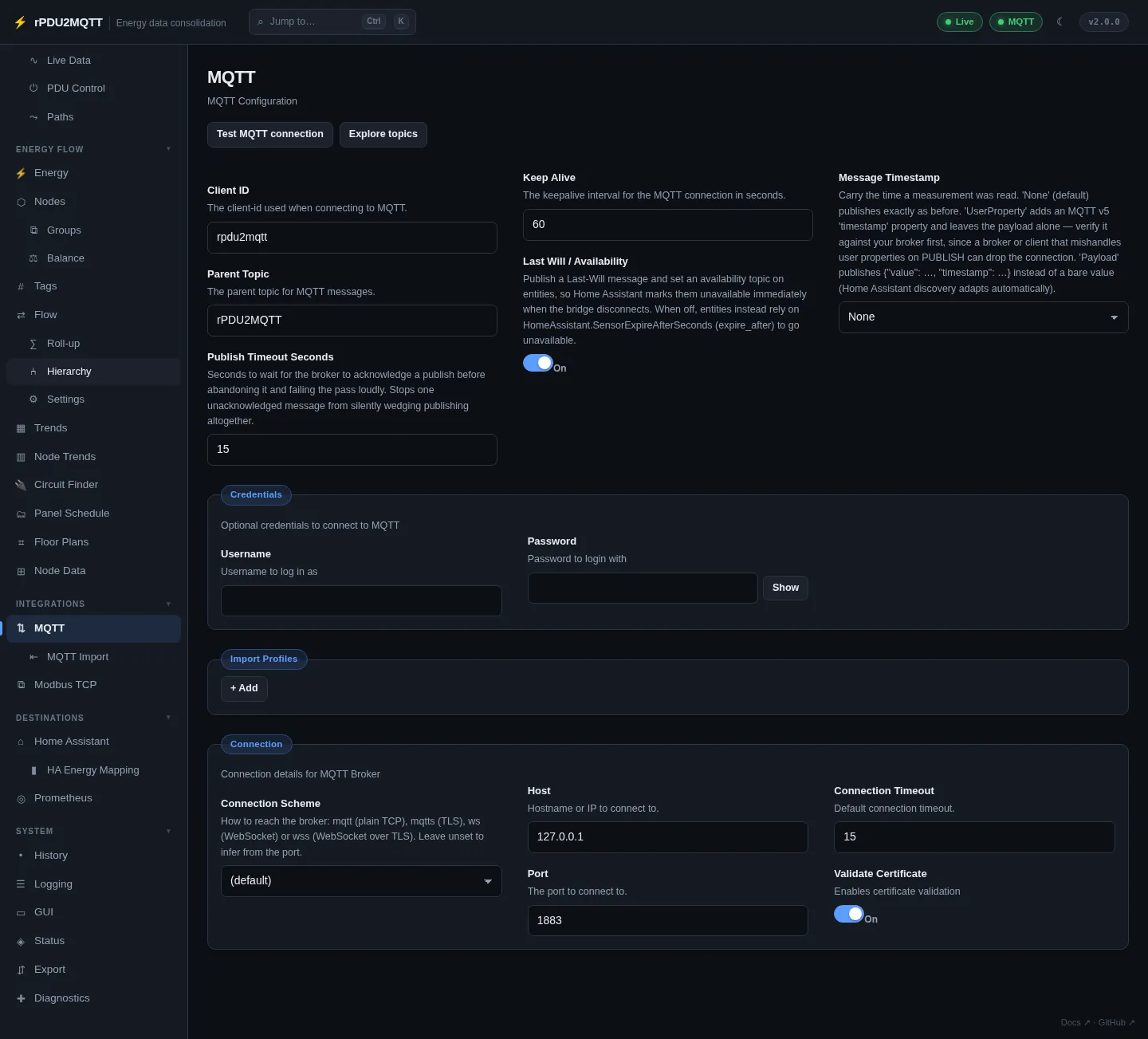
Details: MQTT.
4. PDU
Sources › Vertiv rPDU. Check host and port, set credentials. Turn on Enable Write Actions for outlet control. Save.
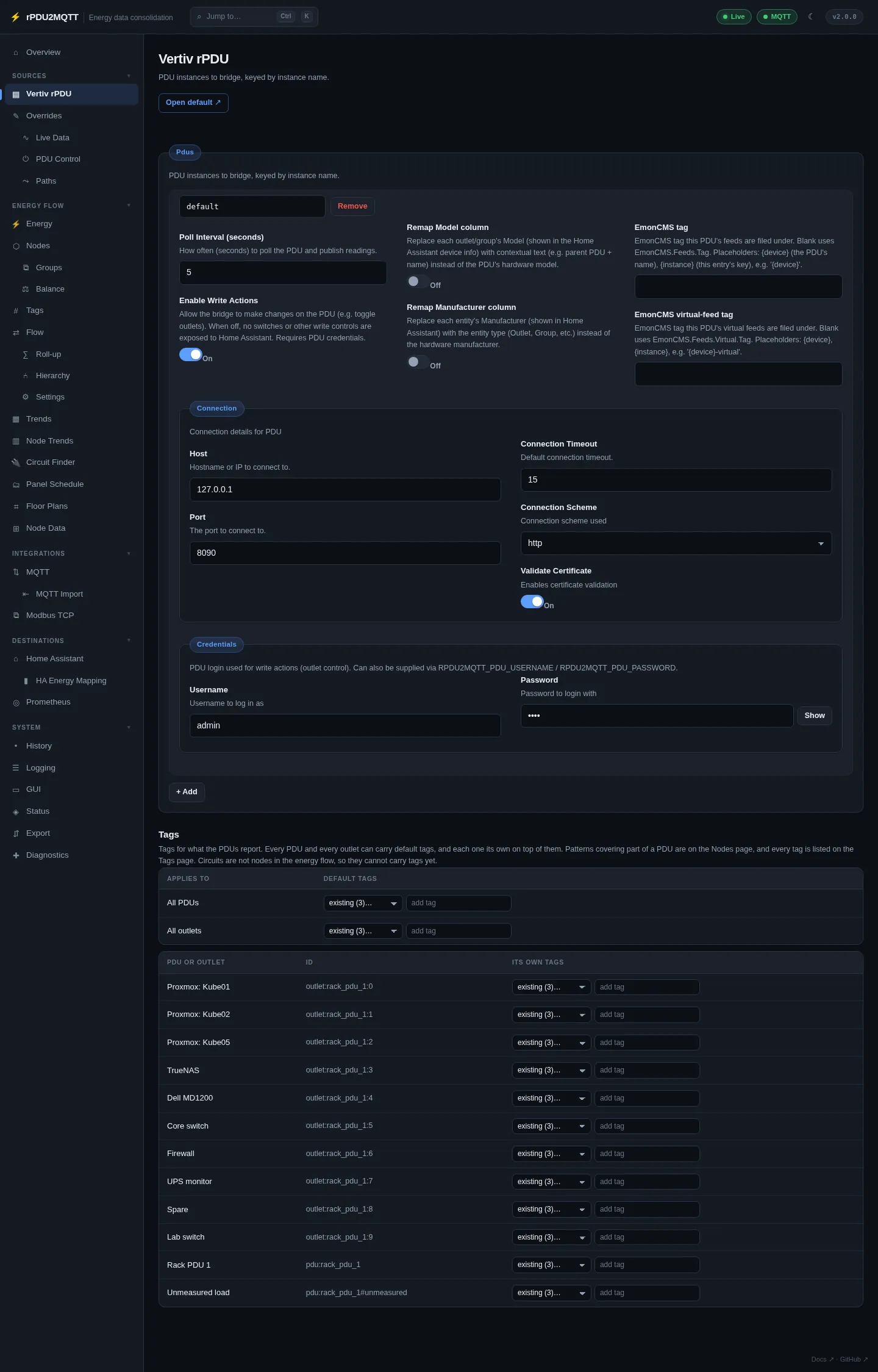
Details: Vertiv rPDU.
5. Home Assistant
Destinations › Home Assistant. Check Discovery Topic matches Home Assistant's prefix. Save, then Republish discovery.
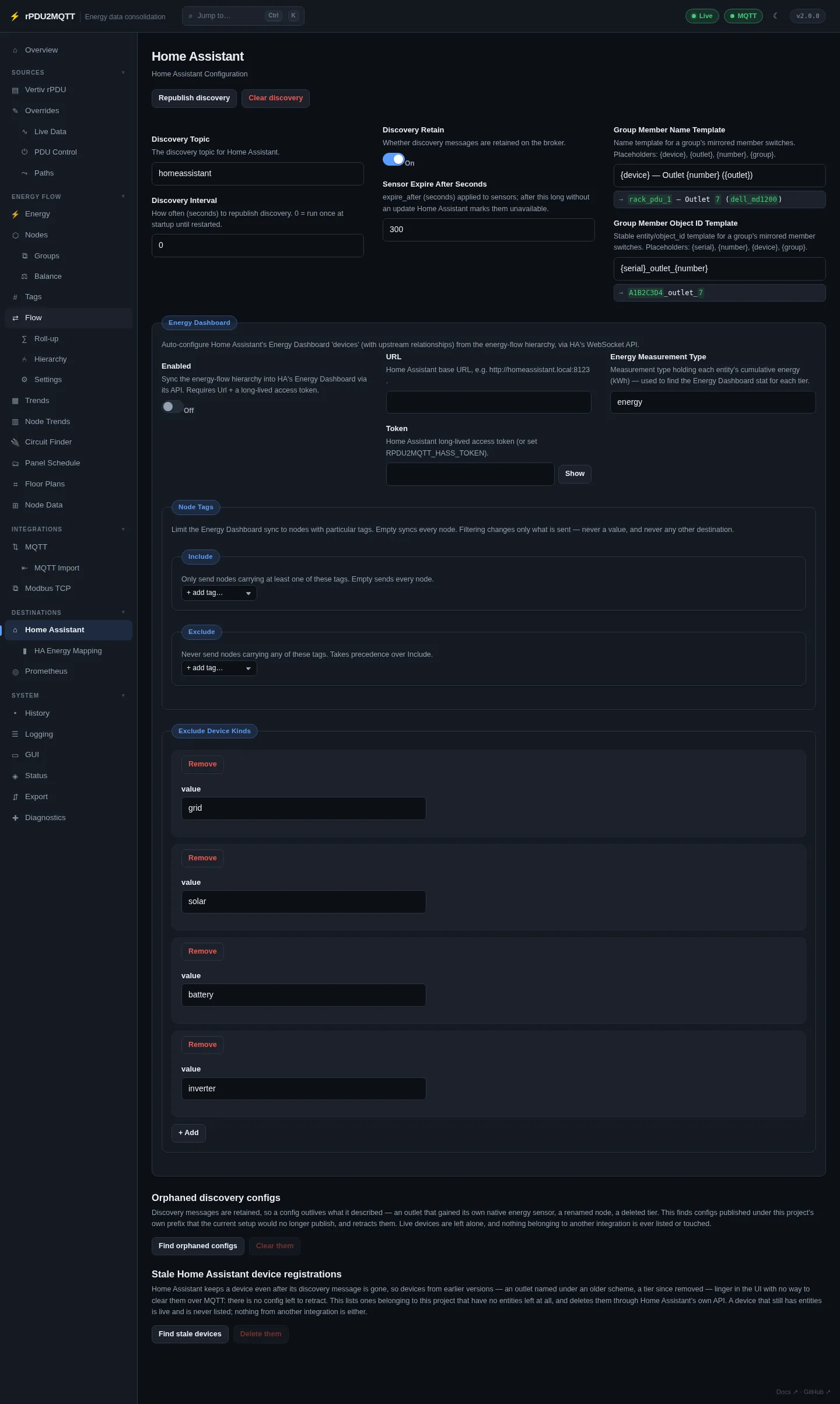
Details: Home Assistant.
6. Energy flow
Energy Flow › Nodes. Add nodes for grid, solar, battery, panels and circuits, and bind each to a source.
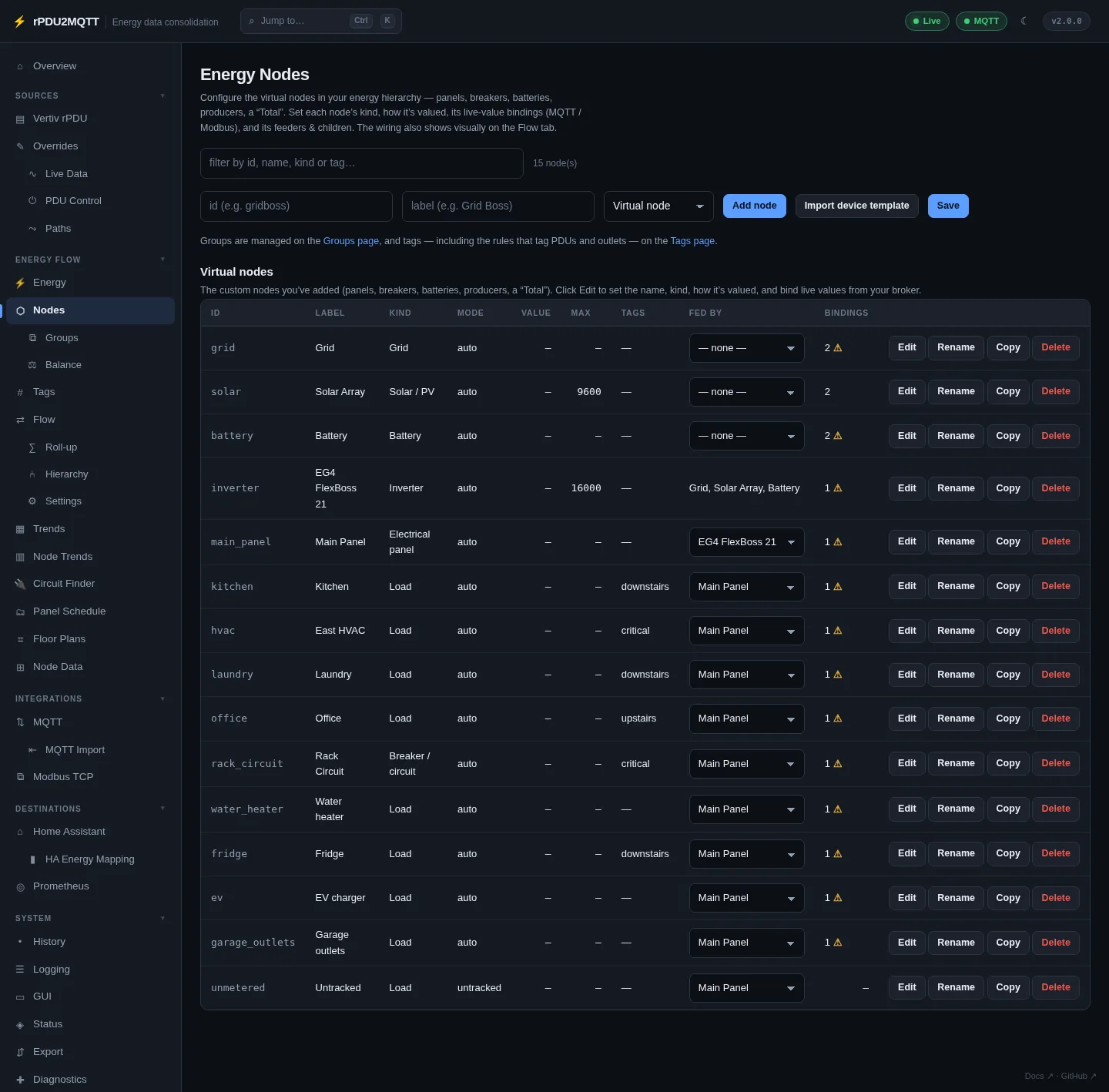
Details: Nodes, Panels, Floor plans.
7. Check
System › Status. Every card green, or grey for not configured.
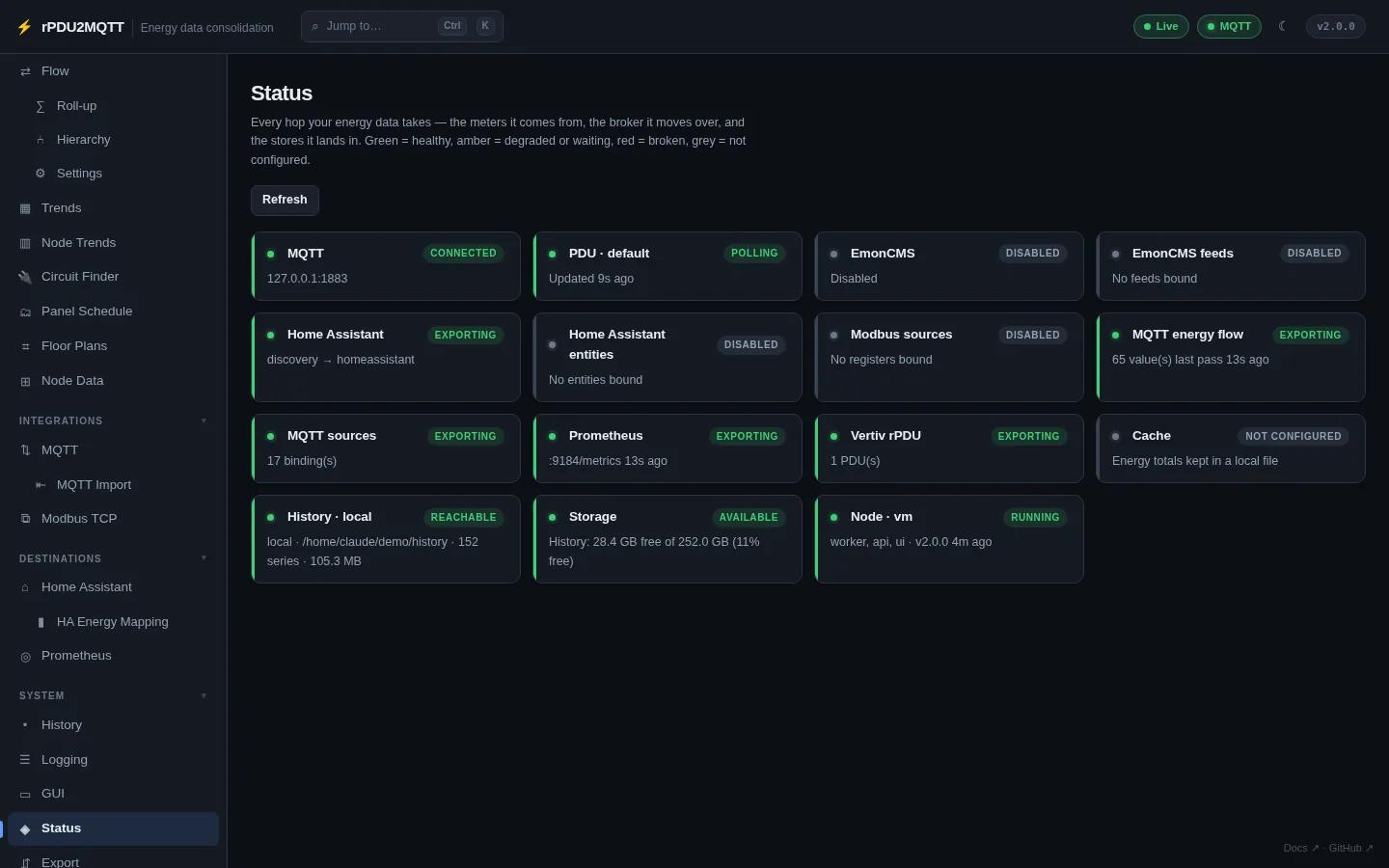
- MQTT: readings under
rPDU2MQTT/. See MQTT topics. - Health:
http://<host>:8081/healthzreturnsOK. See Health checks.